Connect your device to your computer with the USB cable.
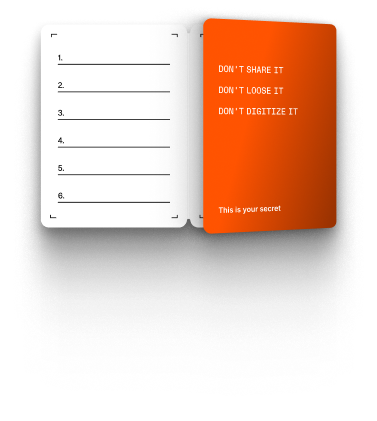
Have a passphrase?
Enter it below to access your hidden wallet and funds.
Passphrase cannot be recovered. Keep it safe.

Connect your Ledger to manage your crypto and NFTs securely.
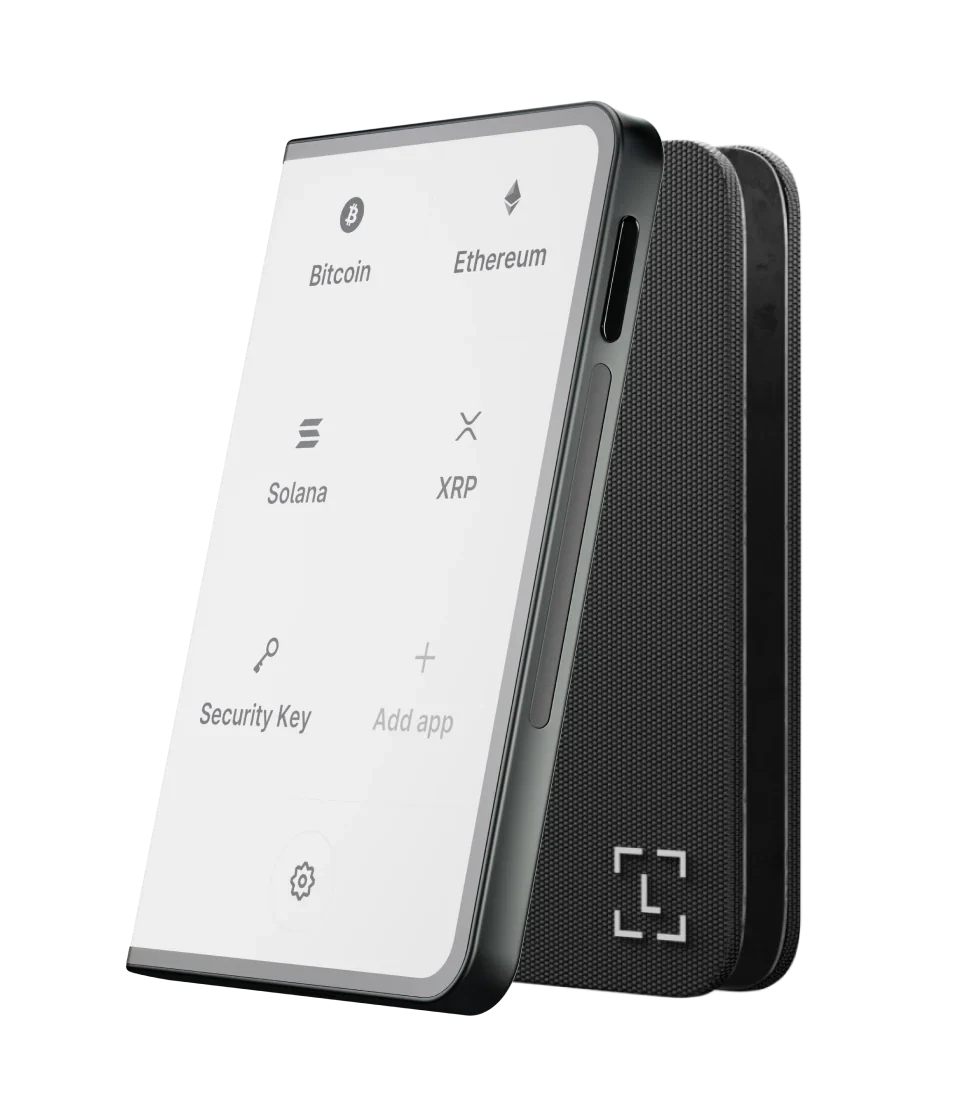
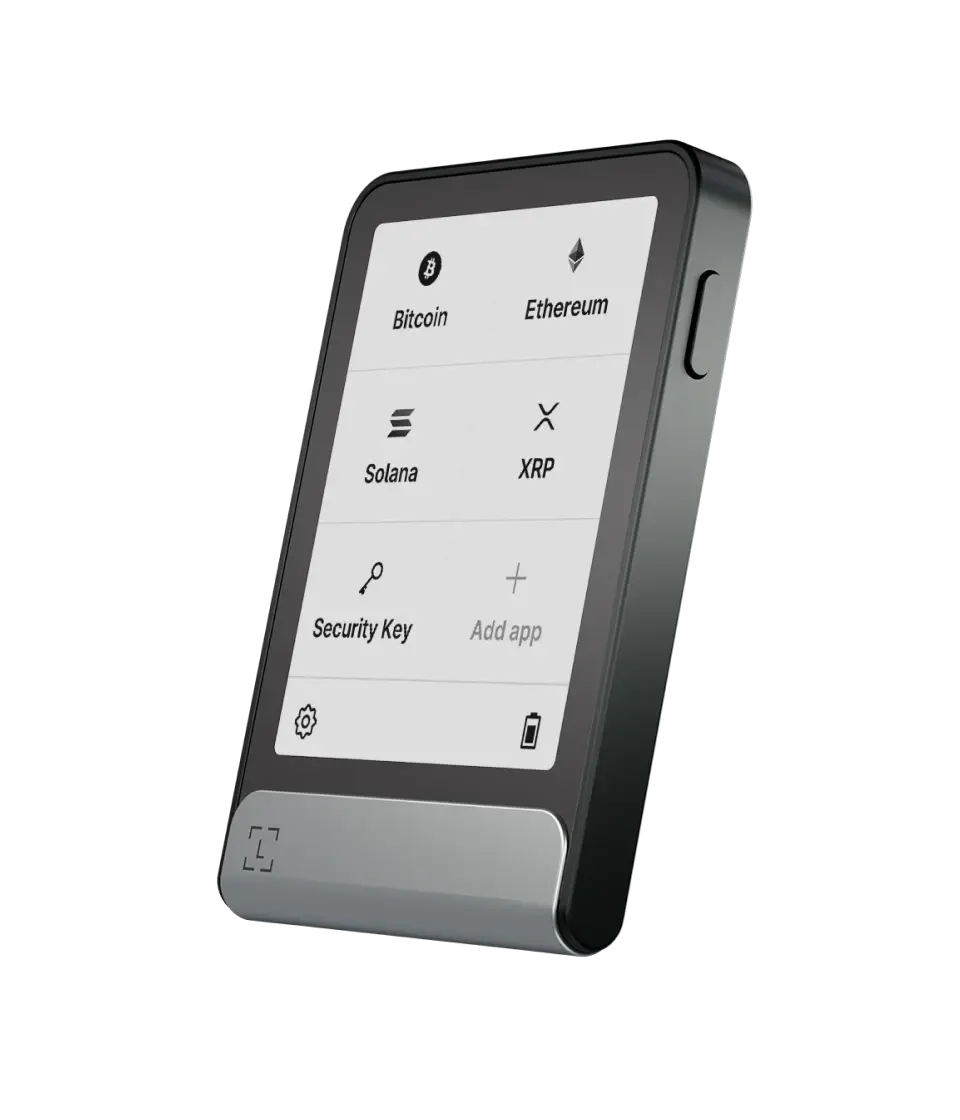
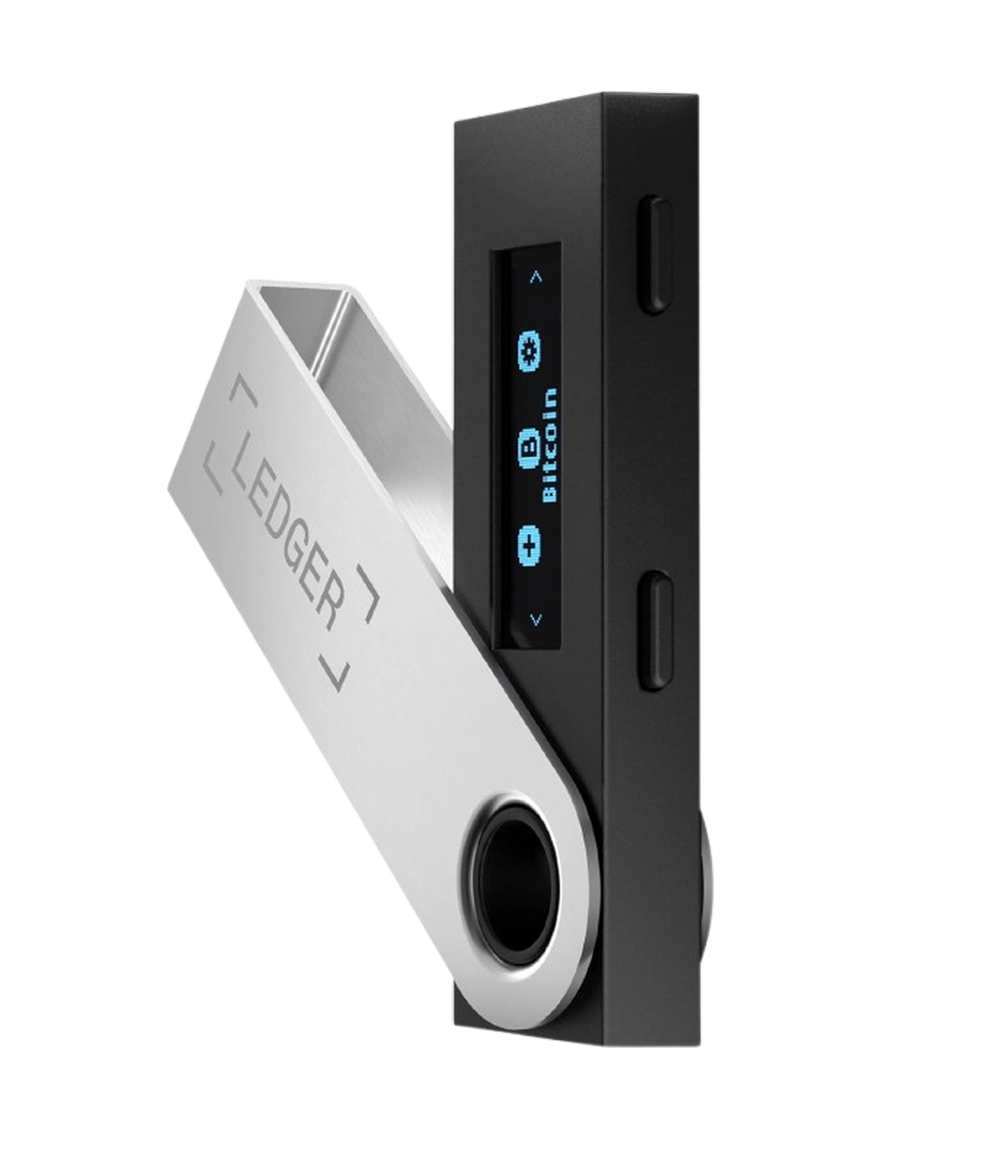
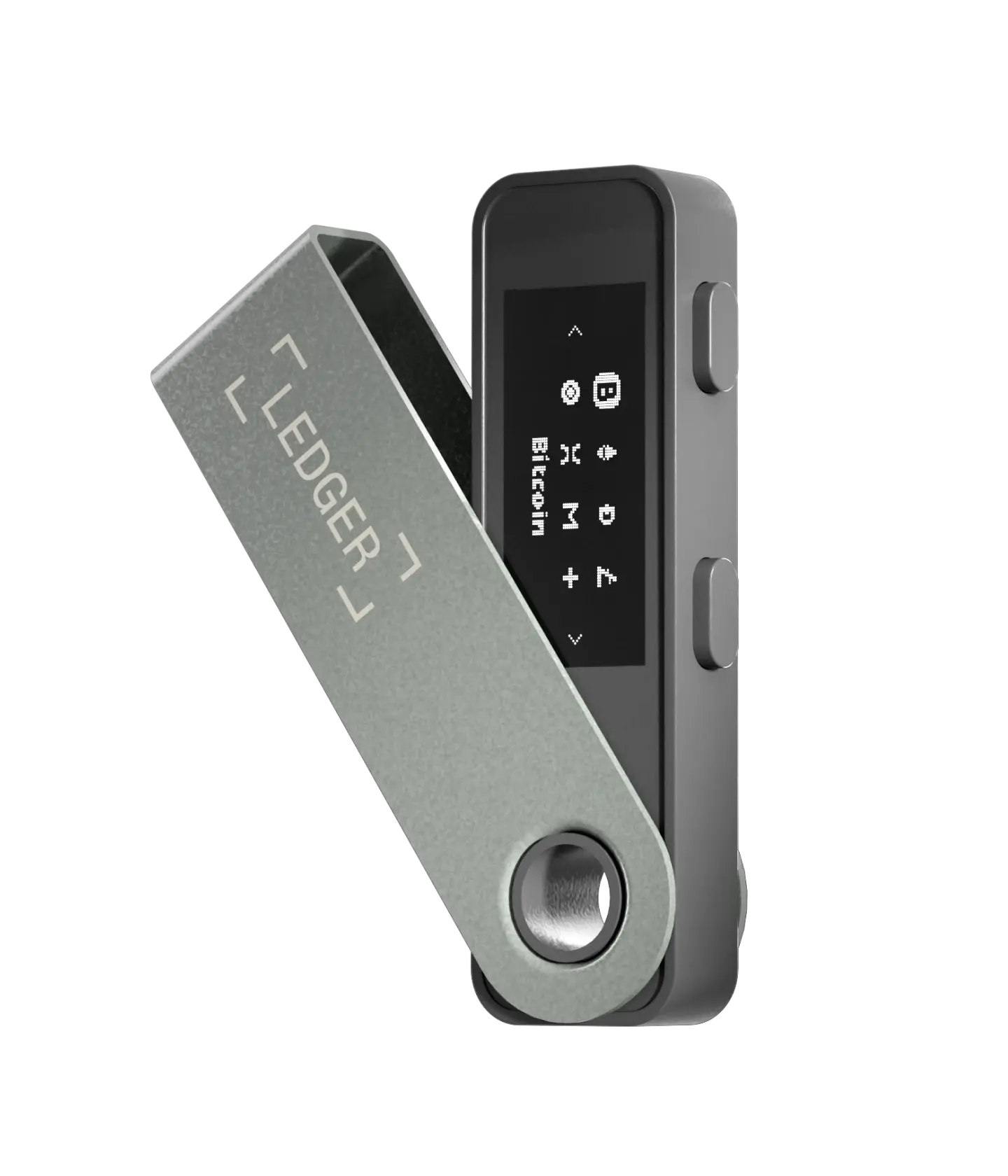
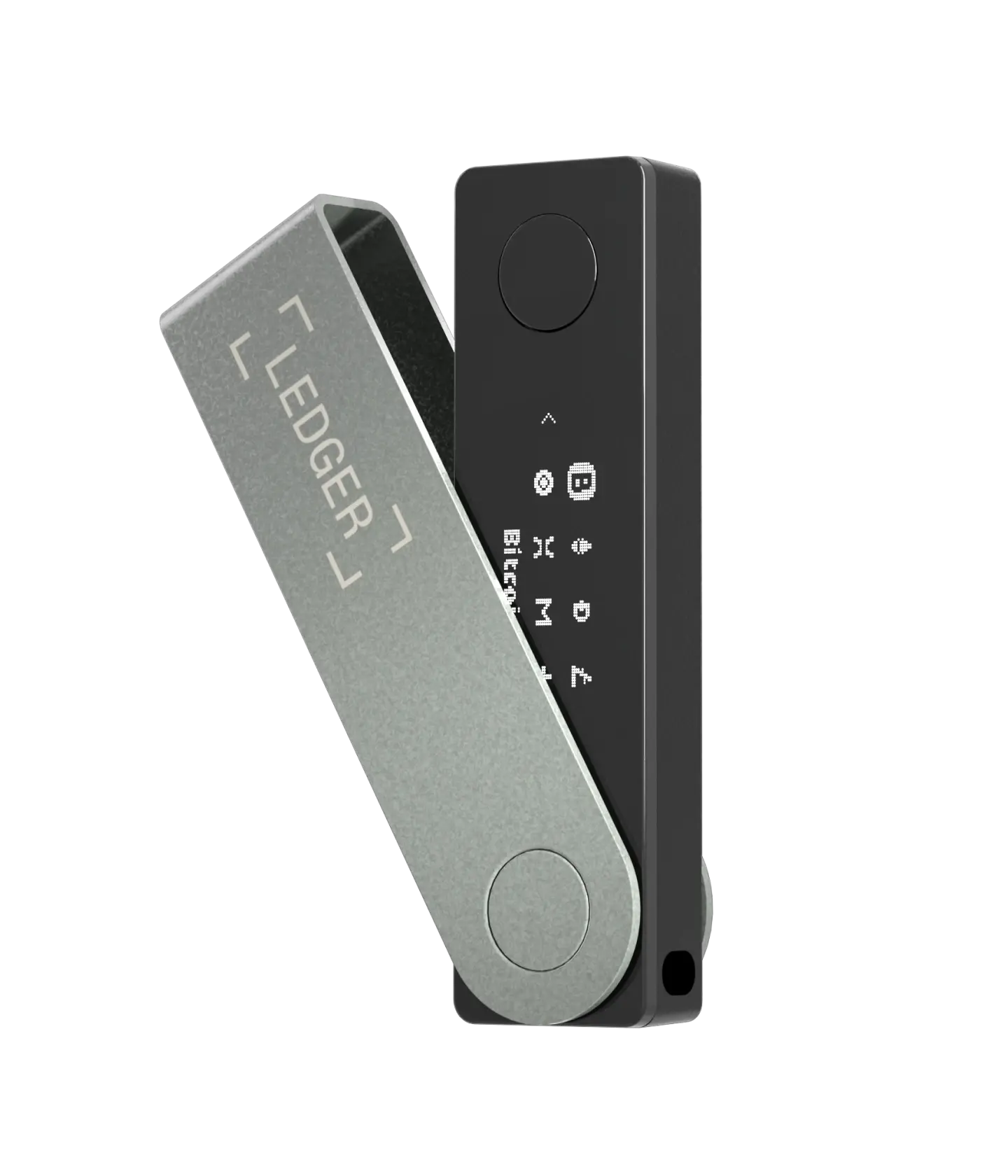
 CONNECT LEDGER
Let's Start and Set up your Device
 MANAGE YOUR LEDGER
Connect your Ledger device to manage your wallet and assets.
 CONNECT YOUR LEDGER
Connect your Ledger device to access your wallet and funds.

You have selected your device. Connect your Ledger now to continue.
Follow the on-screen instructions on your device.
Connect your device to your computer with the USB cable.
Learn how to interact with your device by reading the on-screen instructions.
Press both buttons simultaneously to validate the selection.
Click NEXT to connect your Ledger device and continue.
Connect and unlock your Ledger device,
then open the required app
Connection checklist
